How to Write Better Prompts: 15 Techniques That Work

Better prompts get better answers. That sounds obvious, but most people type the first thing that comes to mind into a chatbot and then blame the tool when the output is vague. The good news: prompt writing is a learnable skill, and small changes in how you ask produce large changes in what you get back. Here are 15 practical techniques, each with a short explanation and an example you can adapt.
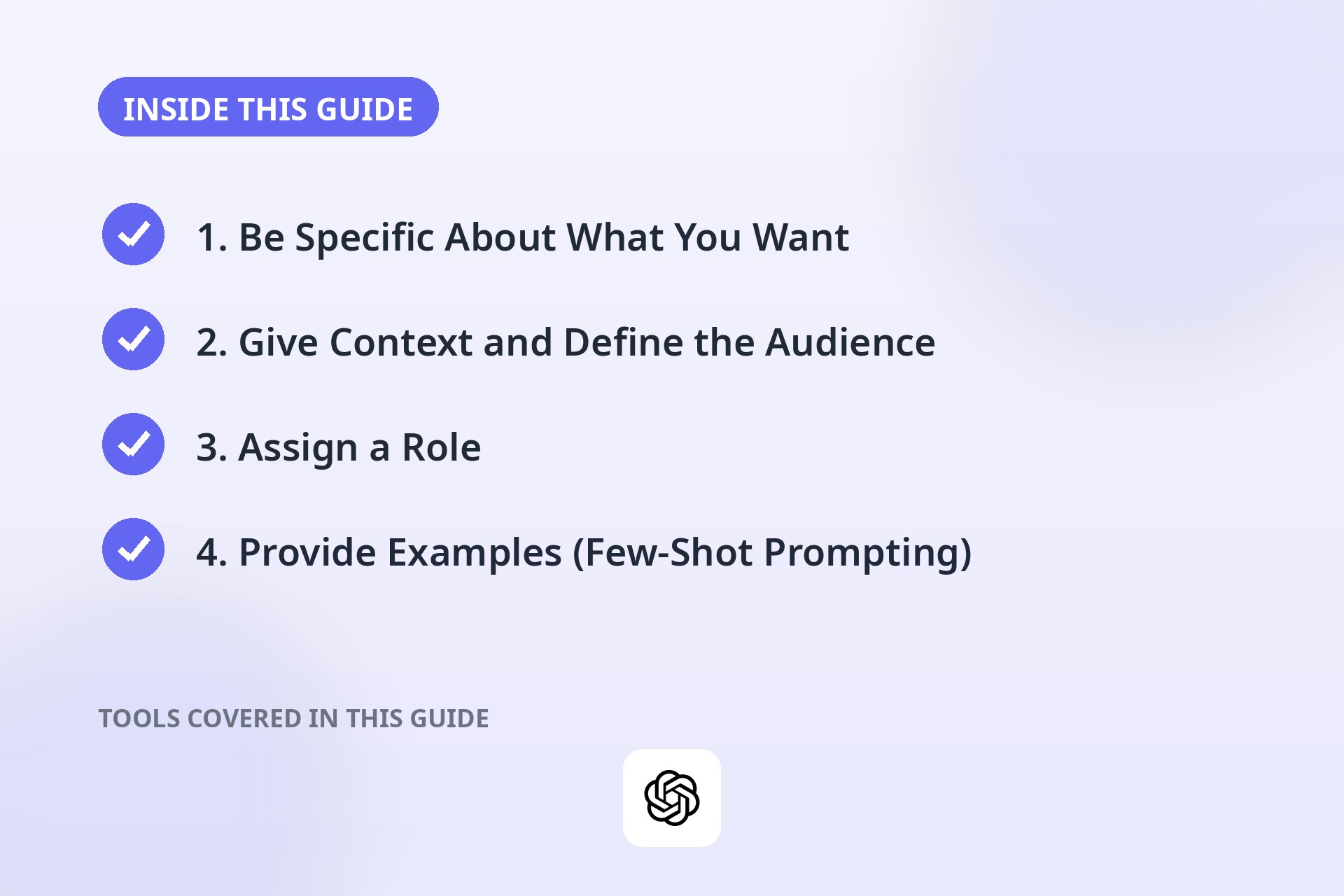
1. Be Specific About What You Want
Vague prompts get vague answers. "Write about marketing" could mean anything. "Write a 200-word email announcing a 20% off sale to existing customers" leaves little room for misunderstanding. Add the details that would matter if you were briefing a human colleague.
Example: "Write a 150-word product description for a stainless steel water bottle, aimed at hikers, highlighting durability and insulation."
2. Give Context and Define the Audience
AI models do not know your situation unless you tell them. Mention who the output is for, what it is for, and any background that shapes the answer.
Example: "Explain compound interest to a 16-year-old saving for their first car. Keep it under 120 words."
3. Assign a Role
Telling the model to act as a particular expert focuses its tone, vocabulary, and depth.
Example: "Act as a nutritionist. Review this daily meal plan and suggest two improvements."
4. Provide Examples (Few-Shot Prompting)
Showing beats telling. If you give two or three examples of the input-output pattern you want, the model will usually follow it closely. This is one of the most reliable techniques for consistent formatting, tone, or classification tasks.
Example: "Convert these to friendly support replies. Example: Input: 'Where is my order?' Output: 'Great question! Your order is on its way and arrives Thursday.' Now convert: 'How do I reset my password?'"
5. Set Format and Length Constraints
Models default to medium-length prose unless told otherwise. Specify the format you need: bullet list, table, numbered steps, JSON, or a word count range. This saves you from reformatting everything by hand afterward.
Example: "Summarize this article as 5 bullet points, each under 20 words."
6. Iterate and Refine
Treat the first answer as a draft, not a verdict. Follow up with targeted revisions: "make it shorter," "add an example," "use simpler language." Each round narrows in on what you actually want, and it is usually faster than rewriting the whole prompt from scratch.
Example: "Good start. Now cut it to half the length and make the tone more casual."
7. Ask for Step-by-Step Reasoning
For math, logic, or multi-part problems, ask the model to show its work. Phrases like "think step by step" or "explain your reasoning before giving the final answer" tend to produce more accurate results, because the model checks itself as it goes.
Example: "A store offers 25% off, then an extra 10% off the sale price. Show each step, then give the final price of a $80 item."
8. Use Delimiters to Separate Instructions from Content
When you paste text for the model to work on, wrap it in clear markers like triple quotes, brackets, or XML-style tags. This prevents your instructions from bleeding into the content and vice versa, especially with long pasted passages.
Example: "Summarize the text between the triple dashes. --- [paste article here] ---"
9. Stick to One Task per Prompt
Cramming five requests into one prompt usually means all five get mediocre treatment. Split complex jobs into a sequence: first summarize, then extract key points, then draft the email. You can chain the outputs together in follow-up prompts, and each step gets the model's full attention.
Example: Instead of "summarize this, translate it, and write a tweet about it," run three separate prompts.
10. Specify the Tone Explicitly
"Professional," "friendly," "playful," "formal," and "direct" all produce noticeably different outputs. If tone matters for your use case, name it. You can even combine descriptors or point at a reference: "in the tone of a helpful customer support agent."
Example: "Rewrite this paragraph in a warm, encouraging tone suitable for new employees."
11. Request Alternatives
Instead of accepting the first output, ask for two or three versions and pick the best. This works well for headlines, subject lines, names, and any creative task where variety helps you choose.
Example: "Give me 3 headline options for a blog post about home composting, each under 60 characters."
12. Prime with Background Information
Front-load the facts the model needs before you ask the question. Paste the relevant data, describe the situation, or list the constraints first, then make your request. The more grounded the prompt, the less the model has to guess, and guessing is where errors creep in.
Example: "Here is my weekly schedule: [paste]. Suggest three 30-minute workout slots that do not conflict with meetings."
13. Use Follow-Up Prompts Strategically
The conversation is a feature, not just a container. Ask clarifying follow-ups like "what assumptions did you make?" or "what would change your answer?" These questions surface hidden reasoning and often catch mistakes the first pass missed.
Example: "Before I use this plan, what important information am I missing that would change your advice?"
14. Test and Compare Outputs
For important tasks, run the same prompt more than once or try small wording variations and compare. If the answers are consistent, you can trust the result more. If they swing wildly, the prompt probably needs more constraints or context before you rely on it.
Example: Run your draft prompt three times. If key facts change between runs, add specifics until they stabilize.
15. Save Reusable Prompt Templates
When a prompt works well, save it. Keep a small library of templates with blanks for the variable parts, like a weekly report summary or a standard code-review request. This turns one good prompting session into a repeatable workflow and keeps your outputs consistent over time.
Example template: "Summarize the following meeting notes into: 1) decisions made, 2) action items with owners, 3) open questions. Notes: [paste]"
Putting It Together: A Strong Prompt Checklist
Before you hit send on an important prompt, run through this quick list:
- Is the request specific enough that a stranger would know what to do?
- Did I include context and name the audience?
- Did I set the format, length, and tone?
- Is there exactly one task in this prompt?
- For anything important, will I verify the output afterward?
You do not need all 15 techniques every time. For a report, a plan, or anything you will publish, layering several of them is what separates a usable answer from a great one.
Frequently Asked Questions
How long should a good prompt be?
As long as it needs to be. Short prompts work fine for simple questions, but complex tasks usually need a paragraph or two of context. Clarity matters more than length: a focused 50-word prompt beats a rambling 300-word one.
Do these techniques work on all AI chatbots?
The core ideas transfer across ChatGPT, Claude, Gemini, and similar tools, since they all respond to clarity, context, and examples. Exact phrasing that works best can vary slightly between models, so test technique 14 when you switch tools.
What is the single biggest prompting mistake beginners make?
Being too vague and then accepting the first answer. Adding one sentence of context and doing one round of follow-up refinement fixes most disappointing outputs.
Should I be polite to the AI?
It does not change the model's capabilities, but clear, direct instructions work best either way. "Please" will not hurt, but it will not fix a vague prompt. Spend the words on specifics instead.
Can I reuse the same prompt template for different tasks?
Yes, that is the point of technique 15. Keep the structure that works and swap in new content. Just re-check the context each time, since a template written for one audience can misfire for another.
Going further: put better prompts to work in the chatbot that fits you, compared in ChatGPT vs Claude vs Gemini, or pick a dedicated platform from the best AI writing tools.
Conclusion
Writing better prompts is not about secret tricks or magic words. It is about communicating clearly: saying what you want, who it is for, and how it should look, then refining the result. Start with specificity and context, add examples and constraints when it matters, and save what works. Do that consistently and the quality of everything you get from AI tools will rise noticeably.